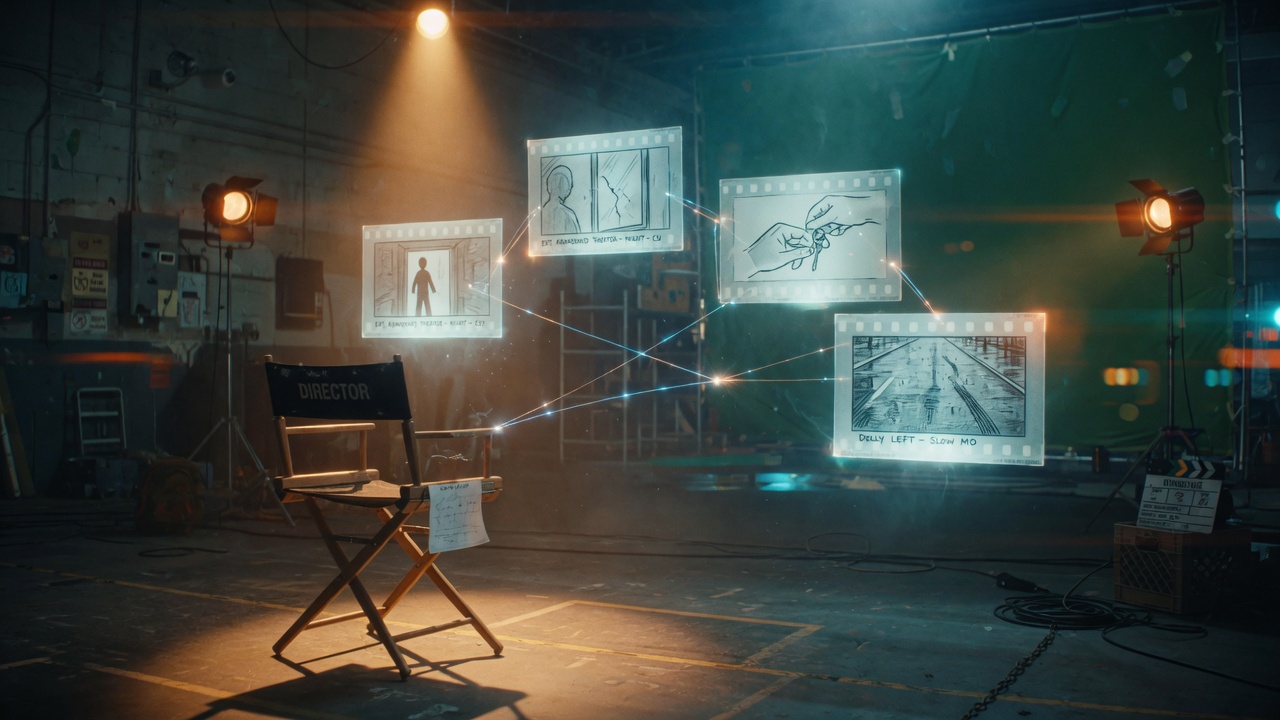
Most people open Genflick and start generating frames. That is backwards. The filmmakers who get usable output on the first pass spend their time up front... turning a treatment into a shot list before a single pixel exists. This week we walk through Agentic directing: using Genflick's AI Director to build the plan first.
Step 1: Give the AI Director your treatment
Open Film Studio and paste your one-page treatment into the AI Director. The current default is Meta Muse Spark 1.3, with Grok 4.7 as a strong alternative when you want a sharper, more literal read of your notes. Do not give it a logline. Give it the full treatment: who the character is, what they want, how the scene ends. The Director's job is planning, and planning quality is downstream of how much you actually told it.
Step 2: Let Agentic mode build the shot list
Turn on Agentic mode and ask it to break the treatment into a shot-by-shot list... angle, subject, action, and a prompt seed for each shot. This is the step that separates a film from a slideshow. Agentic mode keeps continuity in view across the whole sequence instead of optimizing one frame at a time. Review the list, kill the shots that do not earn their place, and re-run any beat that feels thin. You are directing here, not prompting.
The shot list is the film. Everything after it is execution.
Step 3: Keyframe the plan
Now hand the shot list to the Image stage. Lock your character references first, then generate the keyframes. GPT Image 2.5 Sunburst is the default and gives you the most cinematic lighting; Nano Banana Pro is the pick when exact reference geometry matters more than mood. Because the prompts came from the Director and share the same reference set, the character stays the same person shot to shot... which is the entire reason to plan first.
Step 4: Generate the clips
Move the keyframes into the Video stage. Seedance 2.5 for the long, coverage-heavy takes; Grok Imagine Video when you want fast iteration on motion before committing. Feed each keyframe as the opening frame of its shot so the cut lands exactly where the storyboard said it would.
Step 5: Keep the shot bible in Series Studio
If this is a series and not a short, run the same plan through Series Studio. Your character sheet, sets, and shot grammar carry across episodes, so episode four still looks like episode one. This is where the stack pays off... the plan you built once keeps working.
GenBench note
We benchmarked the Director's instruction-following and continuity at GenBench. The gap between a well-planned sequence and a prompt-by-prompt one shows up in continuity scores long before it shows up on screen. Plan first, generate second.
Key takeaway
Agentic directing is the difference between generating clips and directing a film. Spend ten minutes in the Director's chair... build the shot list... and the image and video stages stop fighting you.
Genflick is building the AI filmmaking stack. Sign up: https://genflick.com