You generate a 10-second product clip. The lighting is wrong. You regenerate. The character's outfit drifts. You regenerate. By the fifth attempt, the bill is $5 for a clip that should have cost $1.50.
That's the most common AI video production loop in 2026. It's also the wrong one. Here's the storyboard-first workflow that fixes it.
Layer 1: Plan in images before you pay for video
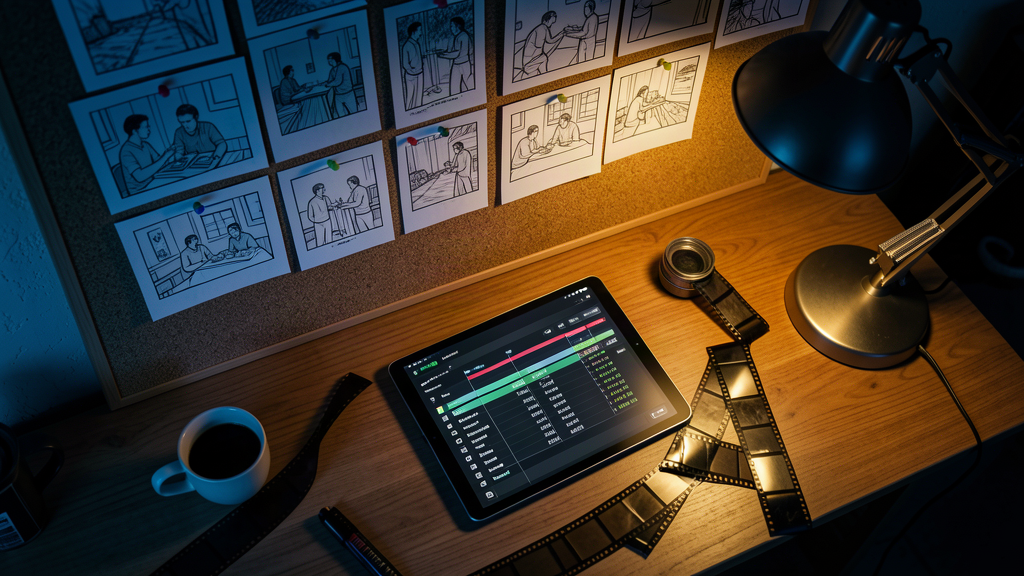
Video models are great at animating a locked frame and terrible at inventing one. So stop asking them to do both. Generate your keyframe stills first — character sheets, locations, props — and feed the approved frames to the video model.
Five prompt-only 10-second clips at $0.10/sec: $5. The same five clips planned as storyboard frames first: four of five land on the first try. Same model. Same per-second price. $1.50 per finished clip. The model didn't get cheaper — the stack got smarter.
Layer 2: Know your per-second math
Cheapest per generation is not cheapest per finished clip. The 2026 leaderboard at 1080p:
• Kling 3.0 — ~$0.50 per 10 seconds
• Seedance 2.0 — ~$0.60 per 10 seconds
• Sora 2 — ~$1.00 per 10 seconds
• Veo 3.1 — ~$2.50 per 10 seconds
Kling looks cheapest until you count regenerations. If Veo nails your shot on take one and Kling needs four takes, Veo wins the job. Track cost per usable output, not cost per generation.
Layer 3: Lock character continuity before you animate
Write a one-page Character DNA block: name, age, physical traits (hair, eyes, skin, body type), exact outfit down to accessories, art style, and one unique identifier that never changes — scar, tattoo, glasses, hat. Paste the identical DNA block into every clip prompt. Only the scene, camera, and mood change.
Then chain your references: Kling's Elements accepts 1-4 reference images for multi-subject scenes. Seedance 2.5 takes up to 50 reference assets. Your best generated frame becomes the anchor for the next shot — anchor, chain, repeat.
The shot list that keeps you out of the red
For each shot, write: shot ID, duration (3-6s works best), framing (wide/medium/close), camera move (static/dolly/orbit), character action (one verb: walk, turn, grab), emotion (one word), prop, and background plate.
Six to ten shots. Thirty minutes of planning. It's the difference between a $5 clip and a $1.50 clip — every single time.
"Stop asking a video model to both invent your character AND animate them simultaneously. Lock down the identity first, then animate."
— The 2026 consistent-character workflow
Go deeper: The 2026 AI Video Production Playbook | The complete consistent-character guide
GenFlick is building the AI filmmaking stack.
Join 2,000+ filmmakers and creators who read this newsletter every week.
Sign Up Free →